 AI · Chrome Extension
DropIn — AI Study Partner
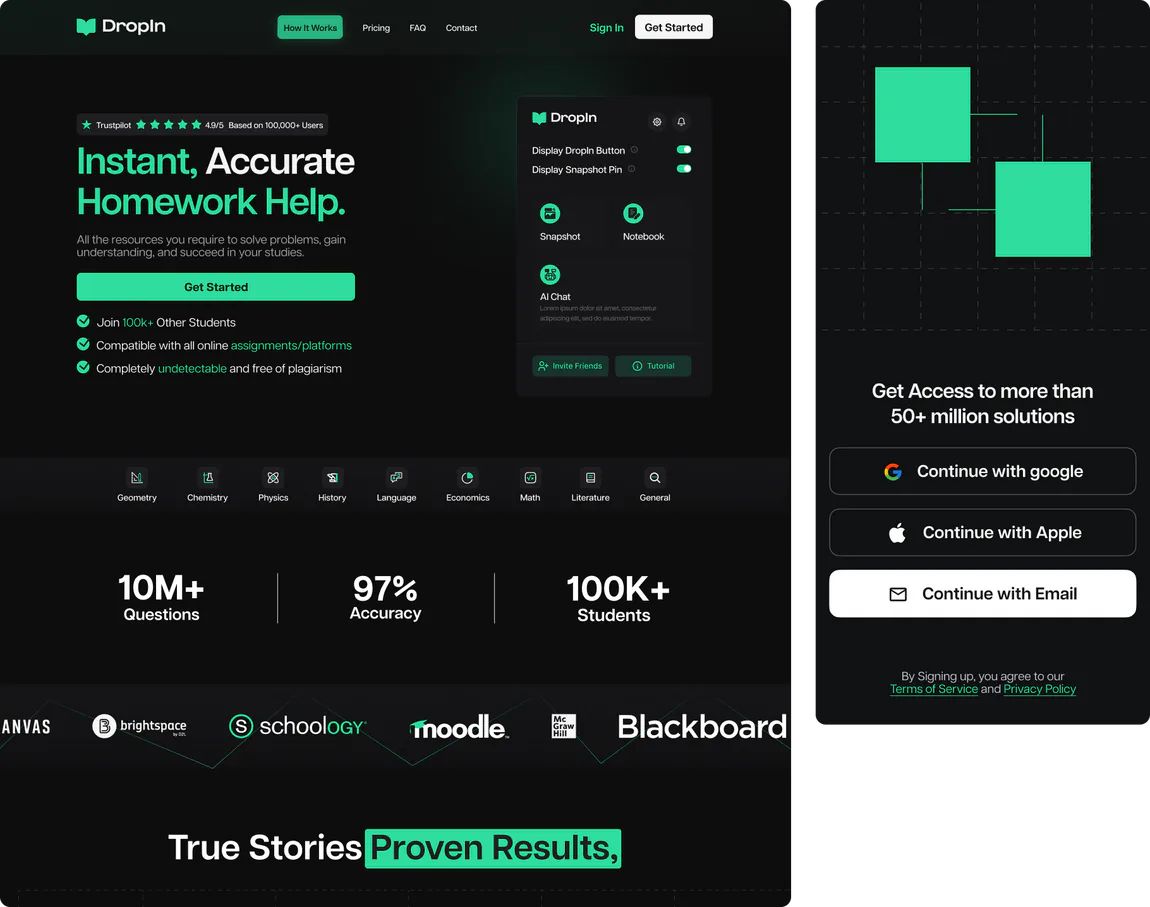
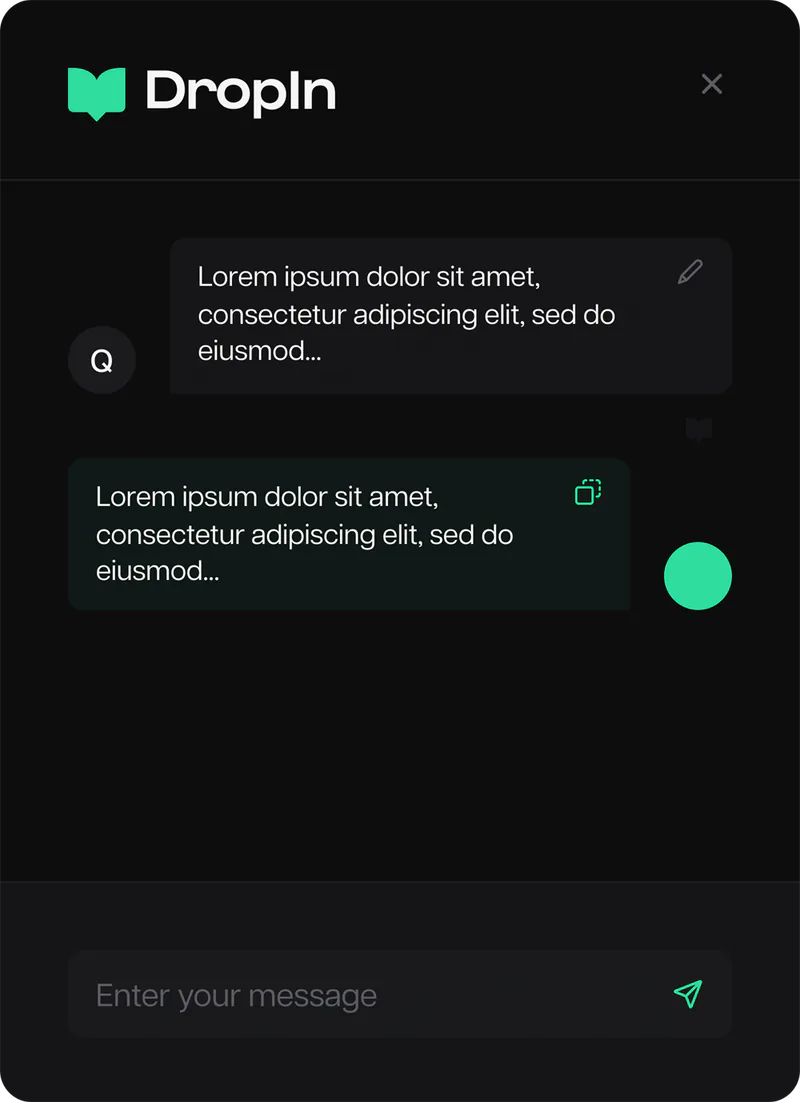
A Chrome extension that captures a screenshot of any on-screen question and uses AI to return an instant answer — paired with a landing page and mobile companion that make the whole thing feel effortless.
01 — Overview
The brief behind the build
Students don't want to retype a question into a chatbot — they want the answer where the question already is. DropIn closes that gap: screenshot what's on screen, and the AI replies in place, instantly.
The product spans three surfaces — a Chrome extension that does the real work, a landing page that sells the idea in seconds, and a mobile companion — and all three had to feel like one effortless tool.
02 — The challenge
What made it hard
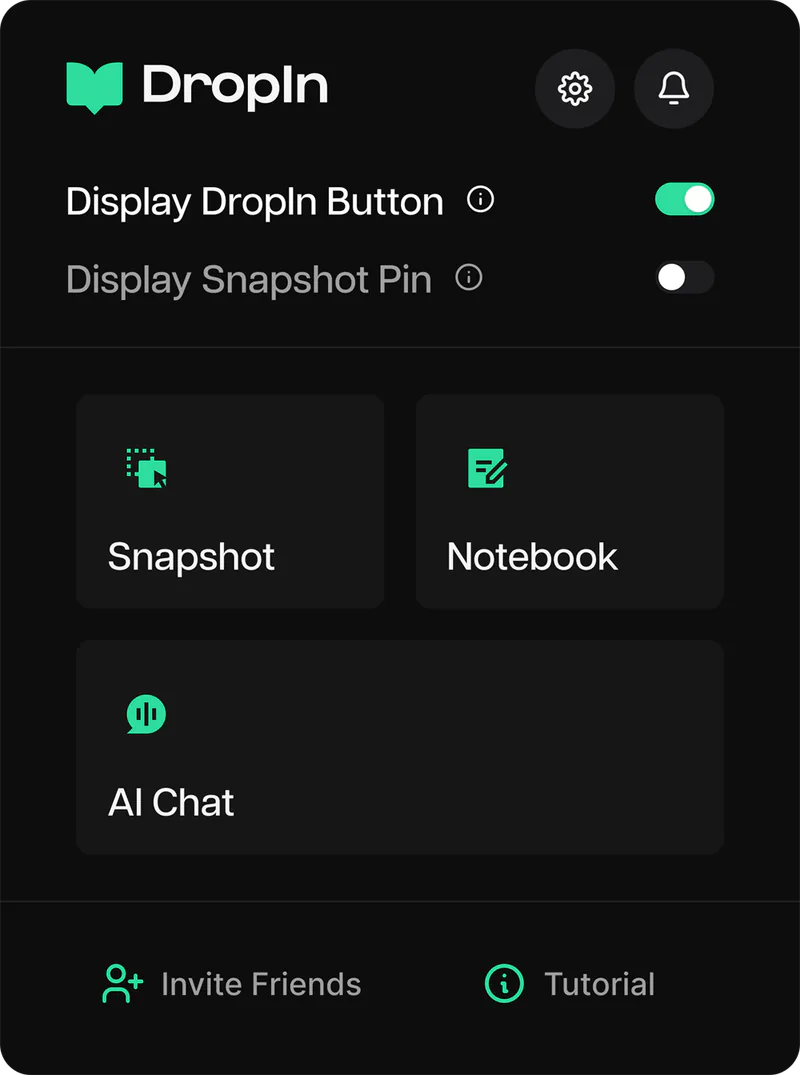
- Designing an extension UI that's instantly useful but never gets in the way of the page behind it.
- Making a capture-to-answer flow that feels like magic — minimal steps, zero friction.
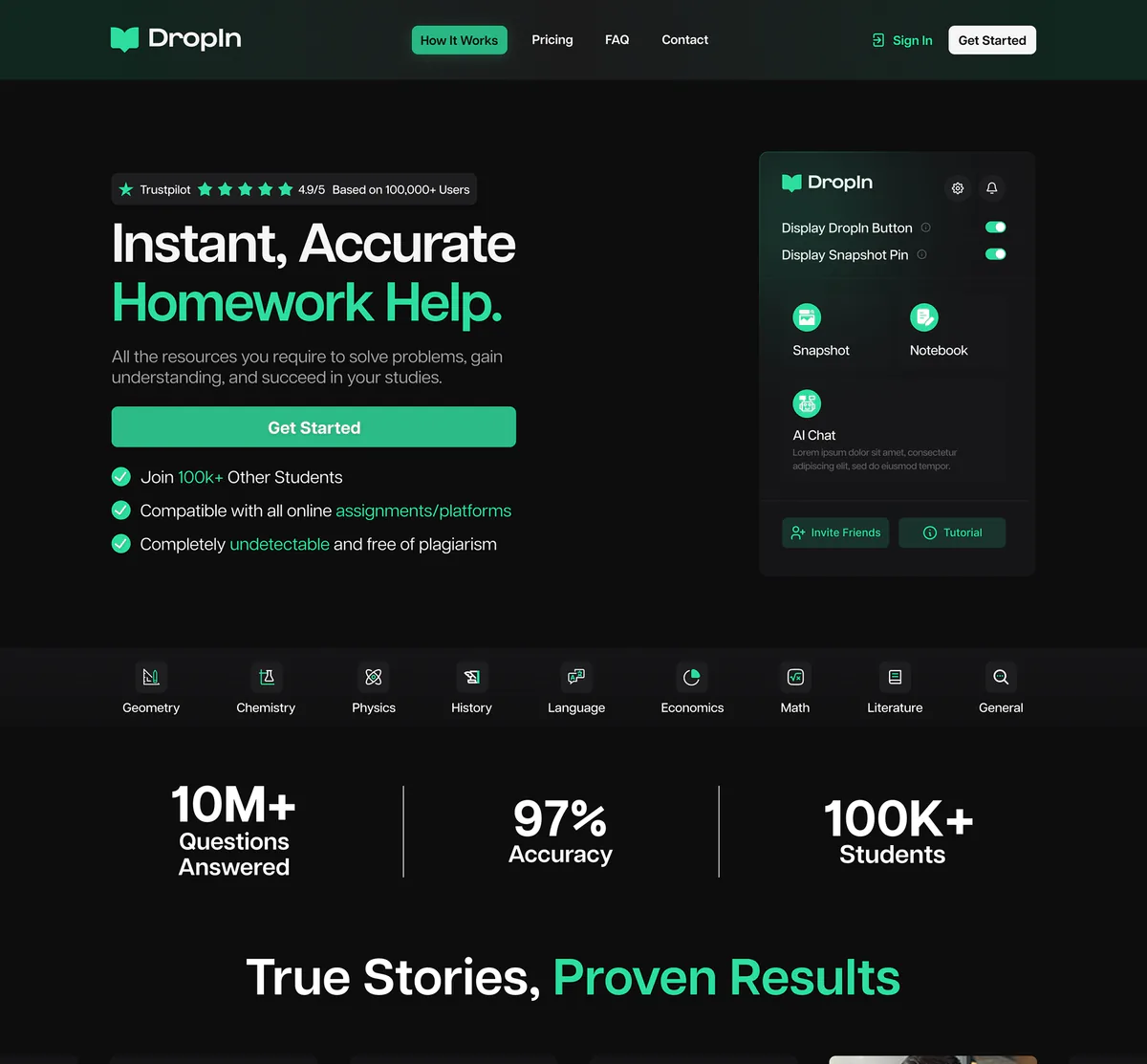
- A landing page that explains a novel idea fast enough to convert a first-time visitor.
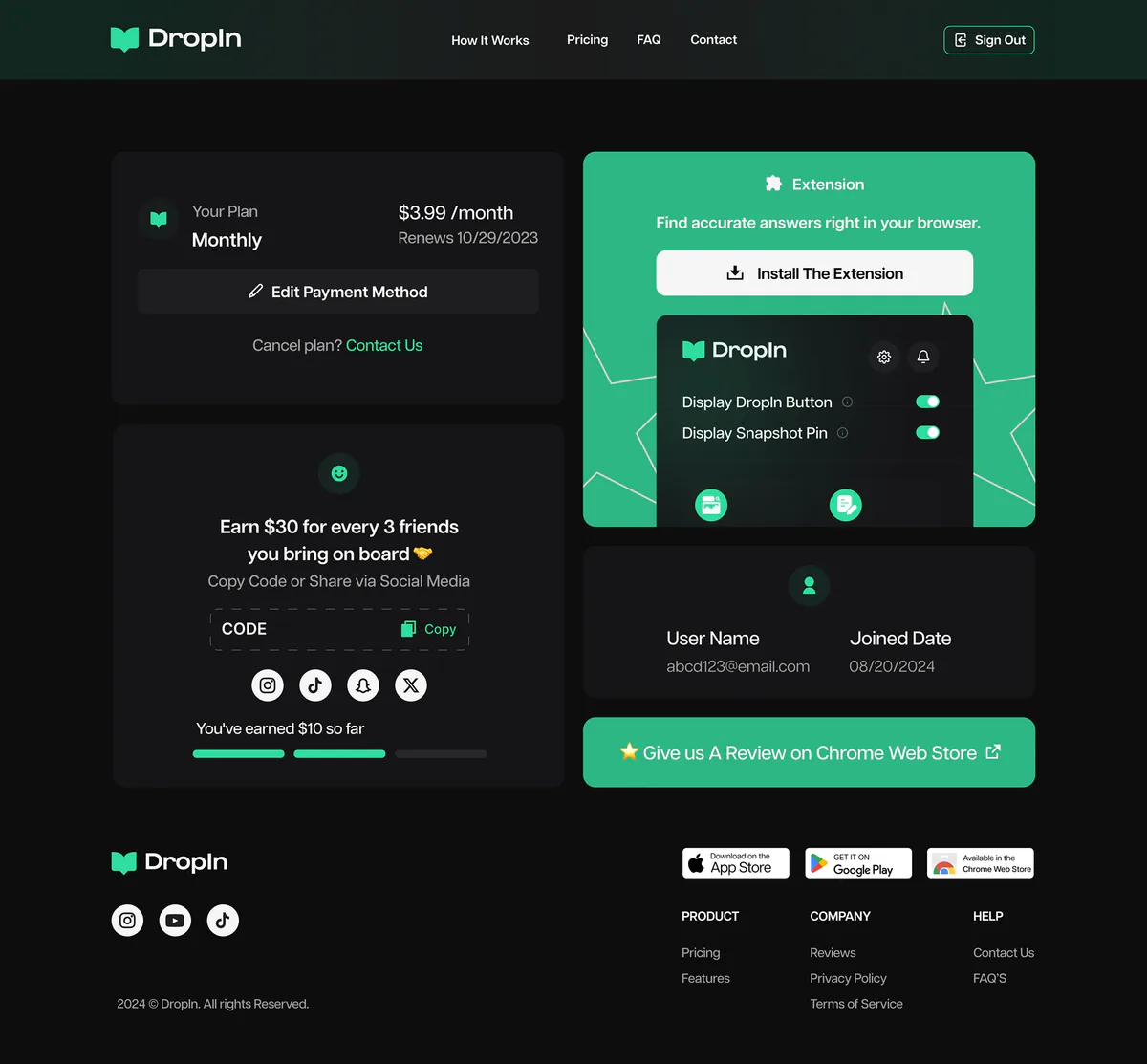
- Keeping the extension, site, and mobile app visually and behaviourally consistent.
03 — Approach
How I worked through it
Discover
The moment of need
Pinpointed exactly when a student reaches for help — and how few steps they'll tolerate.
Define
Capture to answer
Framed the core loop: screenshot, send, answer — and stripped everything that wasn't it.
Design
Extension & site
Designed an unobtrusive extension UI, a punchy landing page, and the mobile companion.
Validate
Friction hunt
Walked the flow end to end and removed every extra tap between question and answer.
Ship
Hand off
Delivered assets and states ready for the extension and marketing build.
04 — Screens
A closer look
Web Design
Chrome Extension
Mobile App


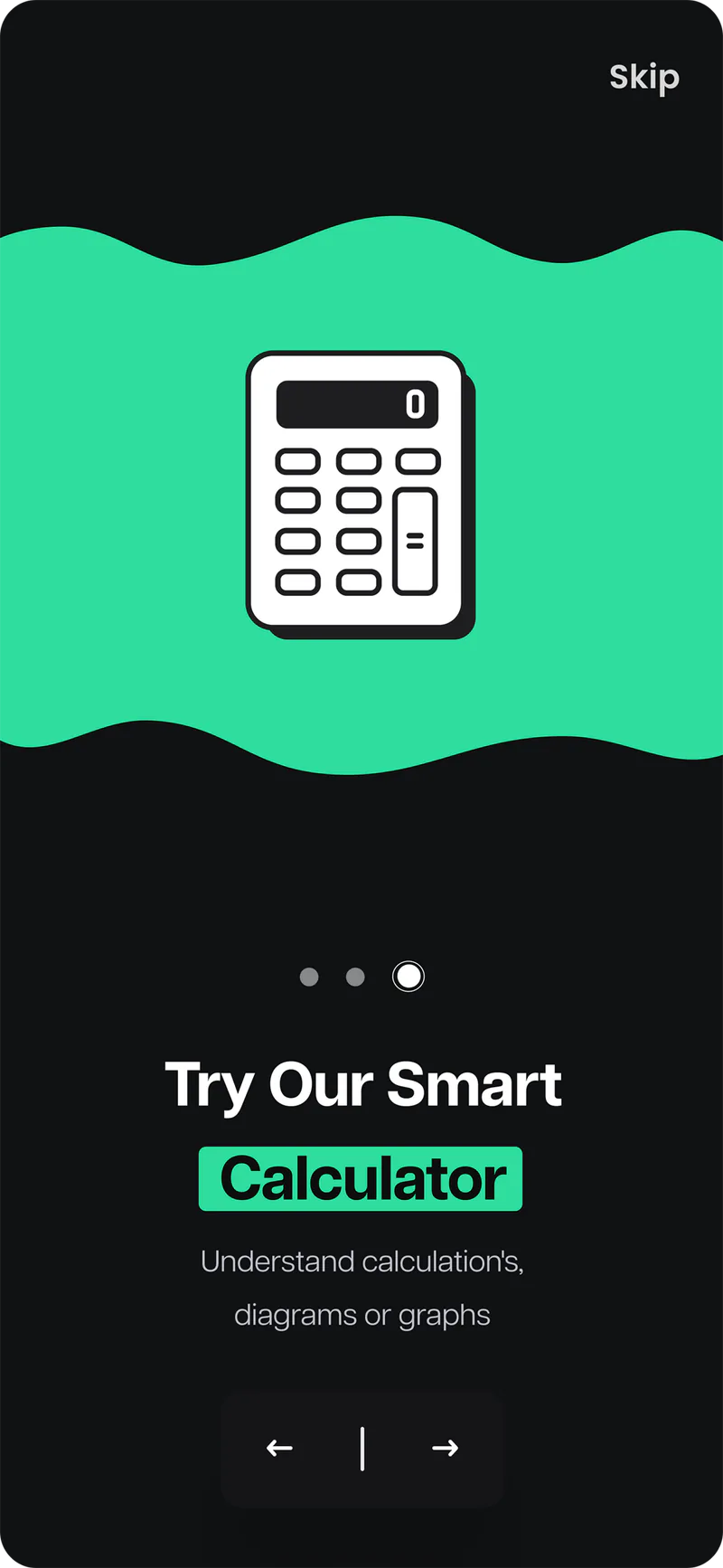

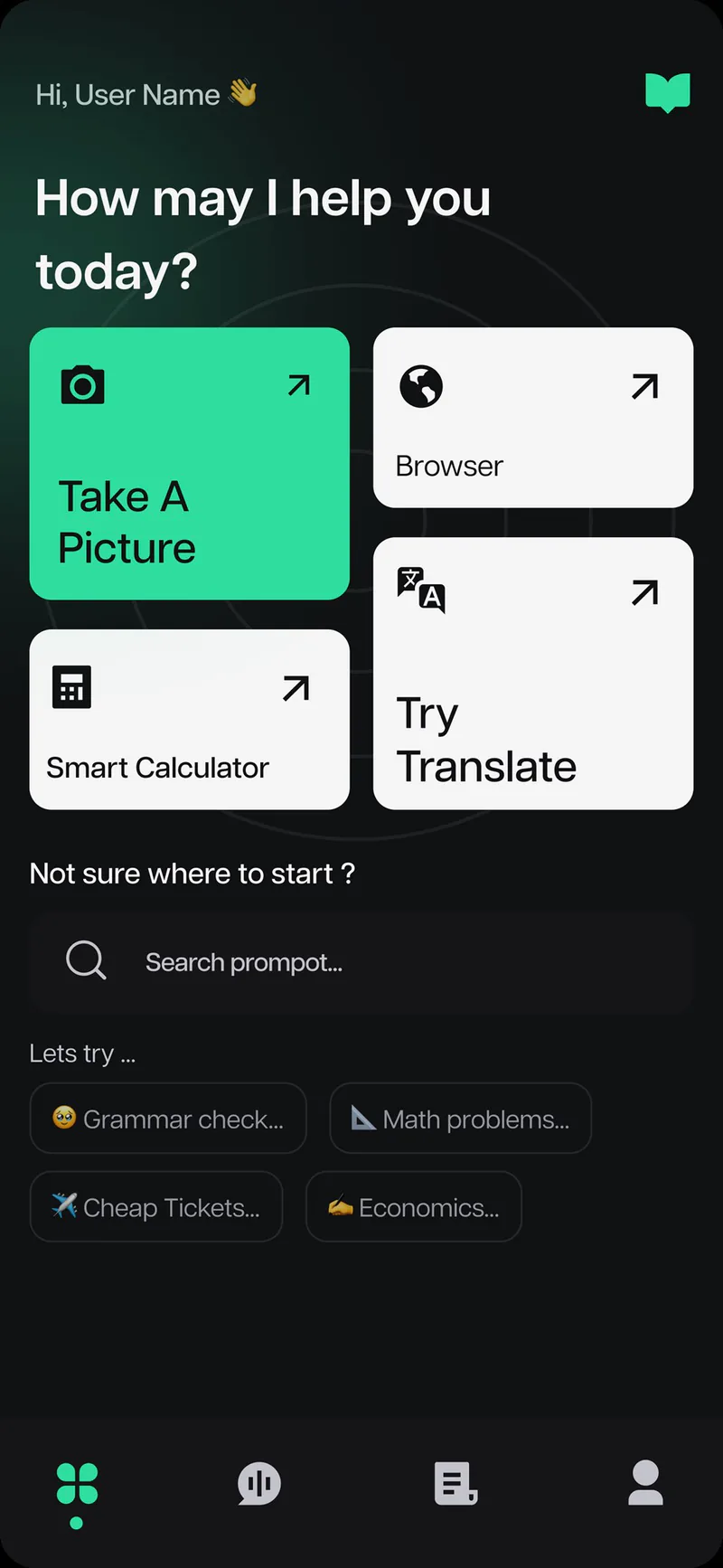
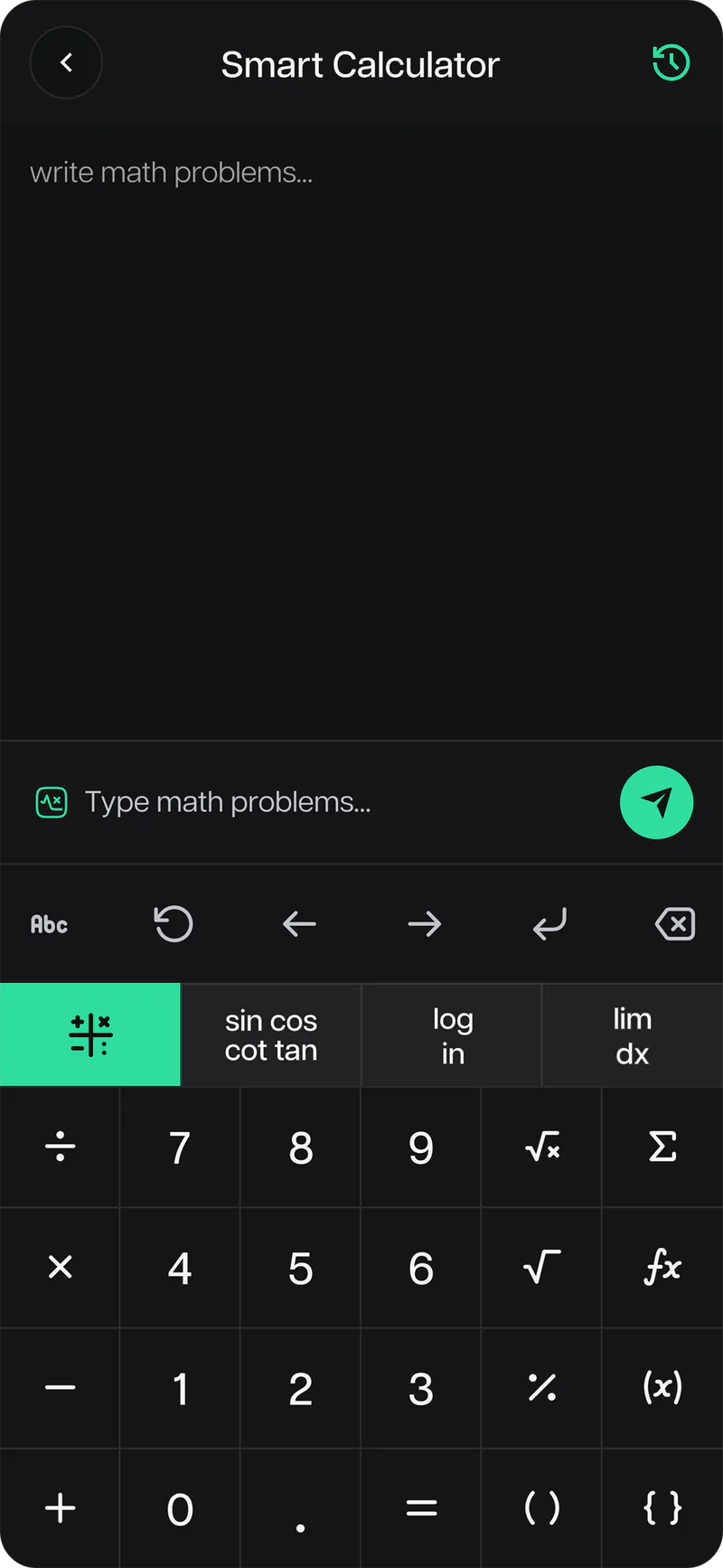
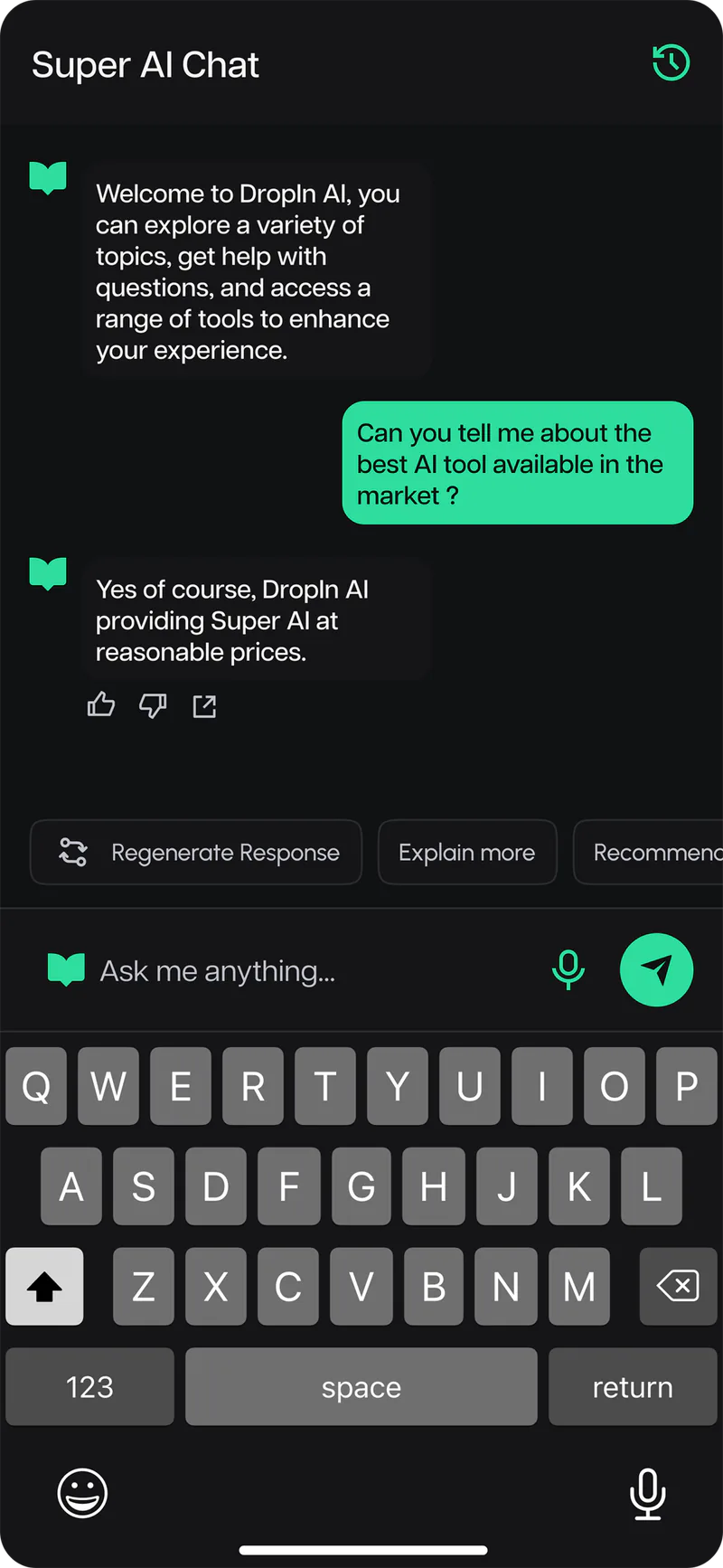
05 — Outcome
What shipped
A complete product experience around a single, fast idea — an extension that does the work, a site that sells it, and a mobile app that extends it, all speaking the same language.
Chrome extension
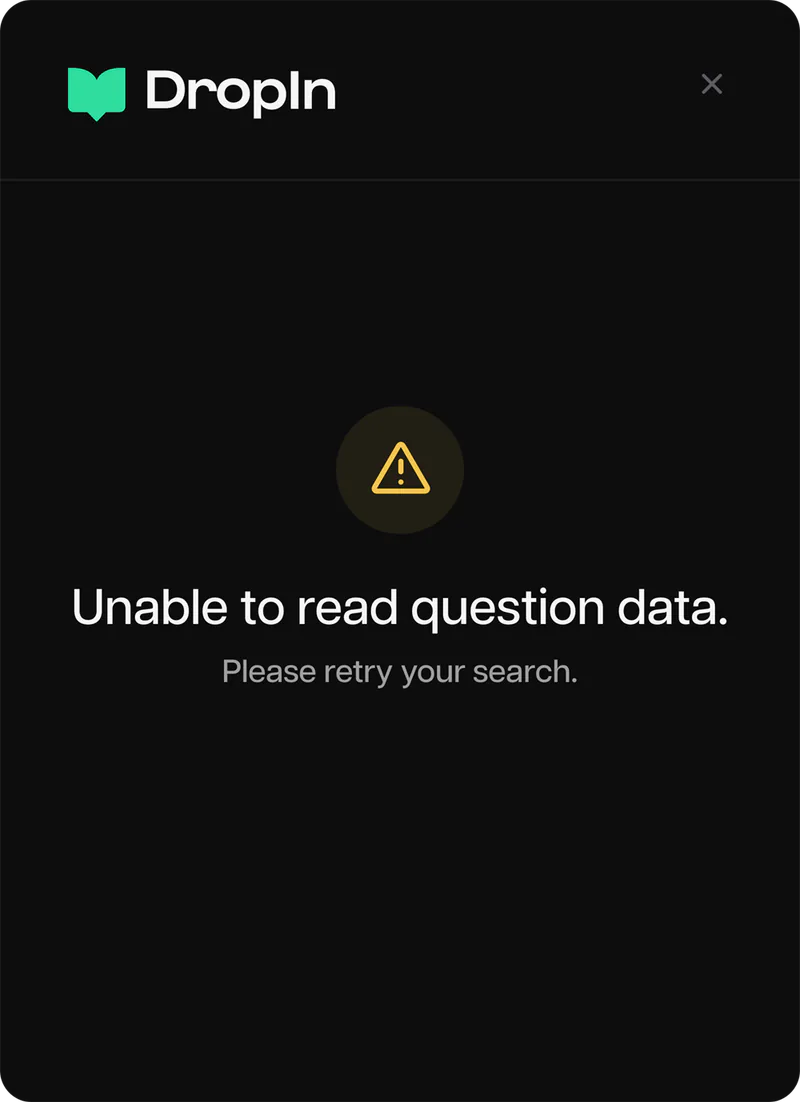
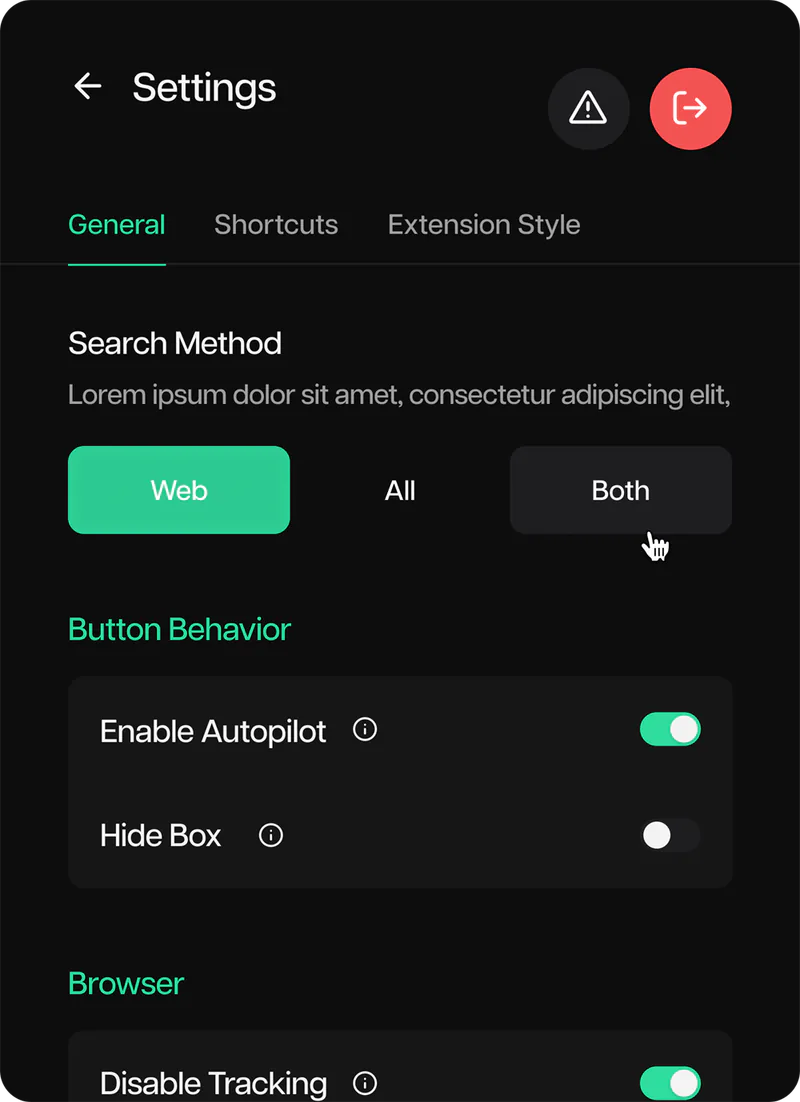
A capture-to-answer flow that stays out of the way until it's needed.
Landing page
A fast, persuasive page that lands a novel idea in seconds.
Mobile companion
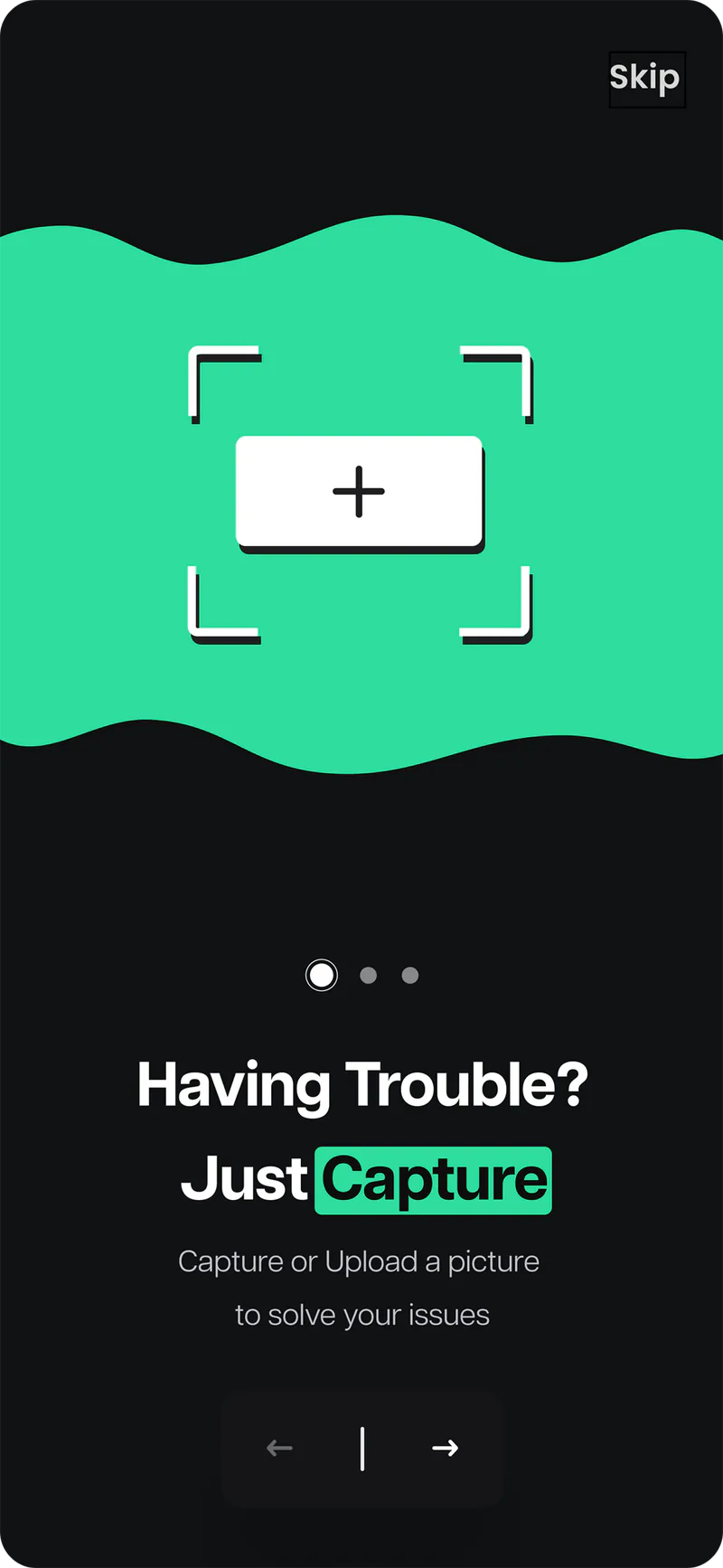
The same effortless experience, carried to the phone.
"Impressive work on our AI-powered Chrome extension. Having worked with him, I can confidently recommend him to anyone."
Imran MalikCEO, DropInNext project
Qaddam Wasal — Saudi TruckingHave a project in mind?
I'm available for new work — let's build something worth shipping.
Get in touch